Custom map templates
Parade route map
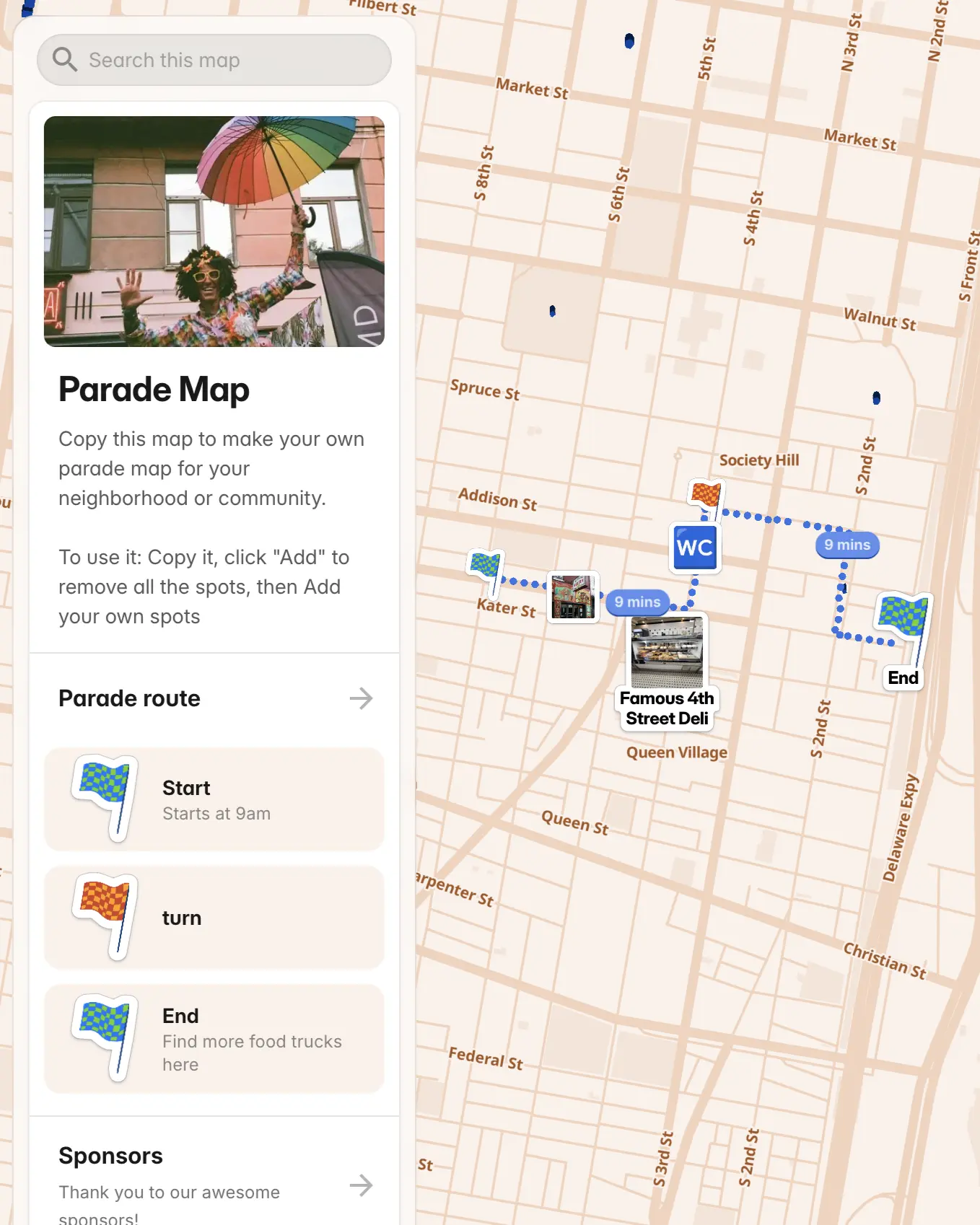
Create a map showing your parade route and key viewing spots. Perfect for event planning and sharing with attendees through social media or your website. Made with PamPam, an AI map maker to make custom maps.
Add up to 1k pins per map
Embe map on your website
Choose a color theme
Add from CSV, Google Sheets, Airtable
Add pictures and YouTube videos
Show walking and driving routes
Add custom icons and stickers
Crowdsource places using Google Forms
Custom categories and fields
As seen on the internet




How do I make a parade route map?
Open this Parade route map template in PamPam’s custom map maker, copy it, and trace your parade path by adding pins along the route. Mark the start, finish, key turns, viewing areas, and nearby landmarks—then customize colors and icons before sharing.
Can I show viewing spots and staging areas on the map?
Yes. Use categories or custom fields to label viewing zones, barricades, staging areas, restrooms, and first-aid stations. PamPam’s custom map maker lets you organize everything attendees need to find along the route.
Can I share the parade map on social media or my website?
Absolutely. Share a link on social media, email it to volunteers, or embed the live map on your event website. Visitors can open it on their phones and explore the route interactively.
Do I need design or coding skills to make a parade map?
No. PamPam is a no-code custom map maker—just add locations, pick a color theme, and publish. You can also import addresses from a spreadsheet if you already have a list of stops.
Is the parade route map mobile-friendly?
Yes. All PamPam maps are responsive, so attendees can pull up the route, tap pins for details, and get directions from any device on parade day.
Can I print my parade route map?
Yes. With PamPam, you can design a print-ready version of your parade route map and export it in different sizes like postcard, flyer, or poster.