Welcome guests with a sense of place. Neighborhood and city maps designed to delight.
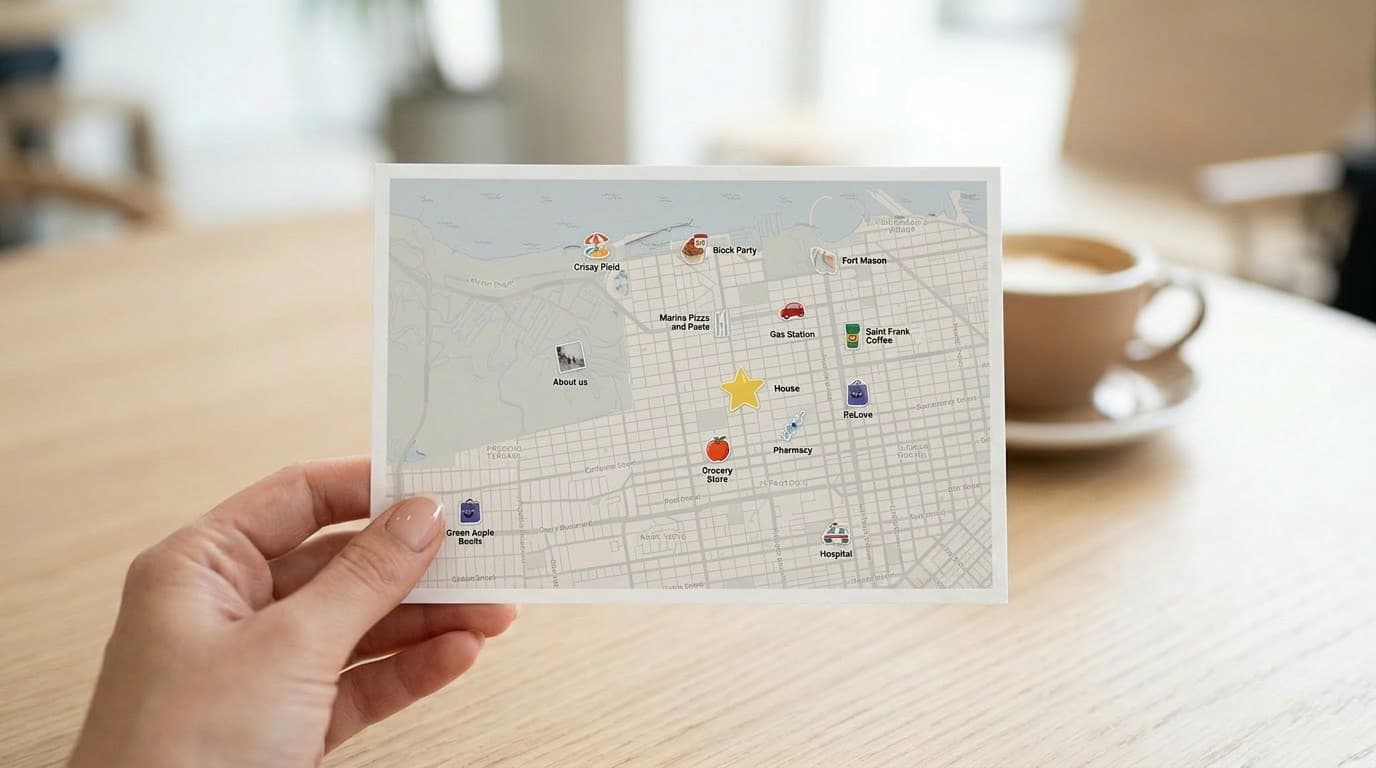
Create a printable neighborhood travel guide with recommended places, cafes, and local amenities for guests.
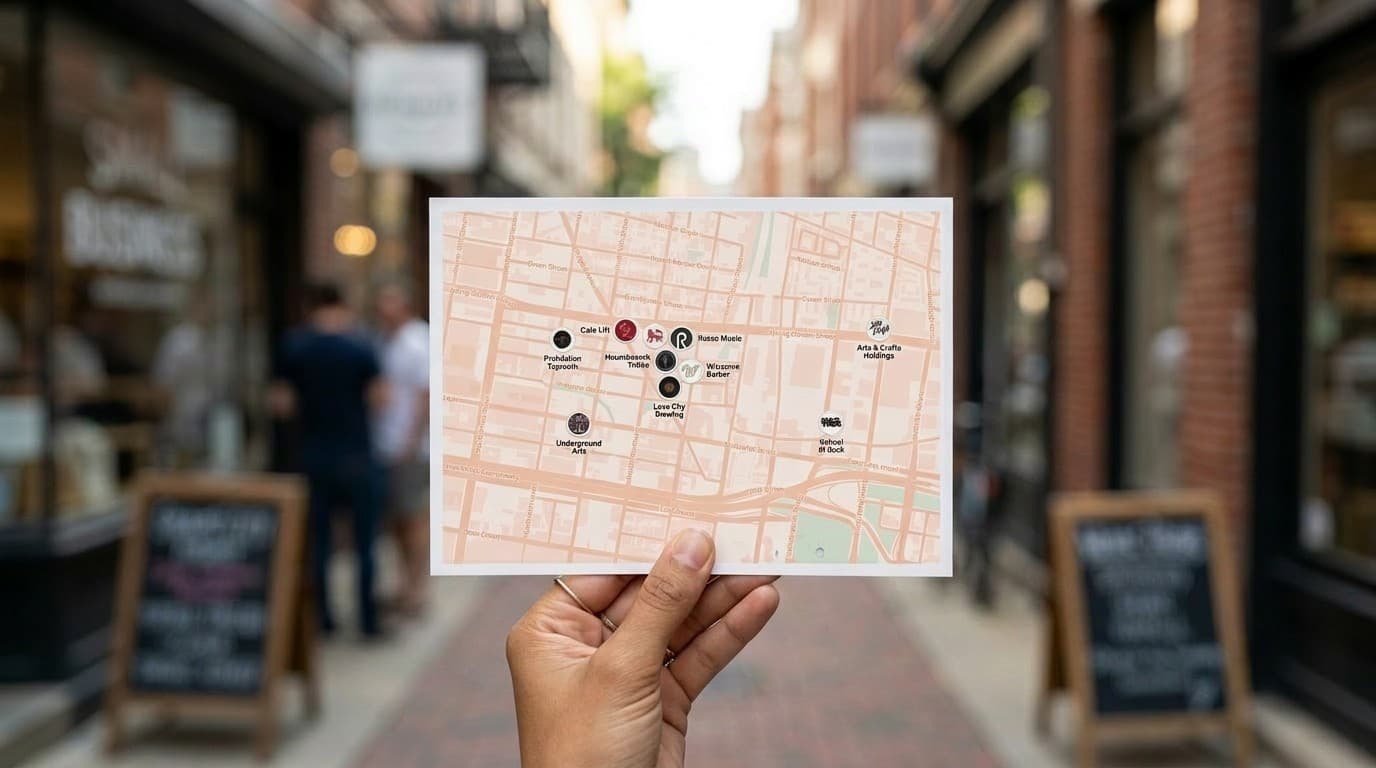
Design a print-ready destination visitor guide with landmarks, attractions, and points of interest for tourists.
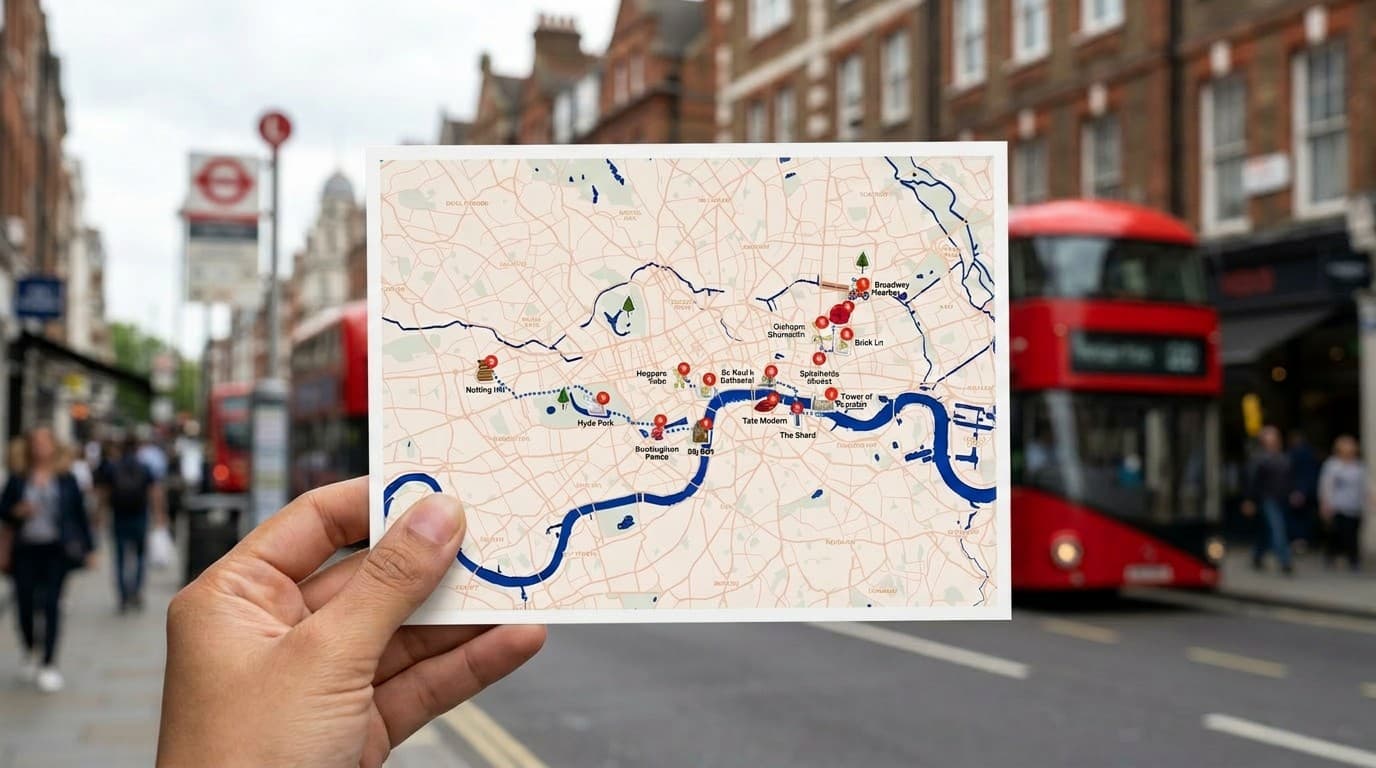
Make a custom trip map poster of your travels — perfect for road trips, vacations, and travel wall art.
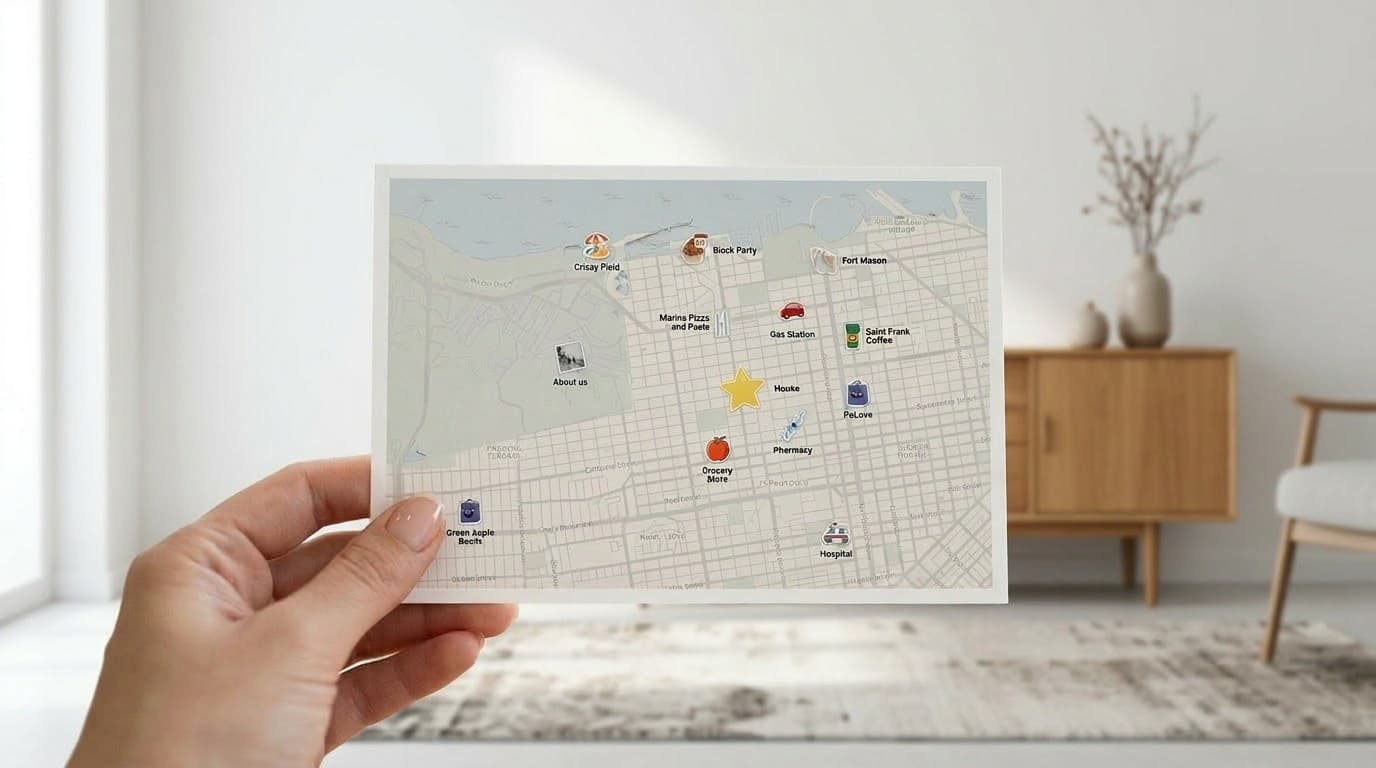
Create a printable Airbnb guest guide map with nearby restaurants, shops, and local recommendations.
Weddings, festivals, parades, and more — maps for every occasion worth printing.
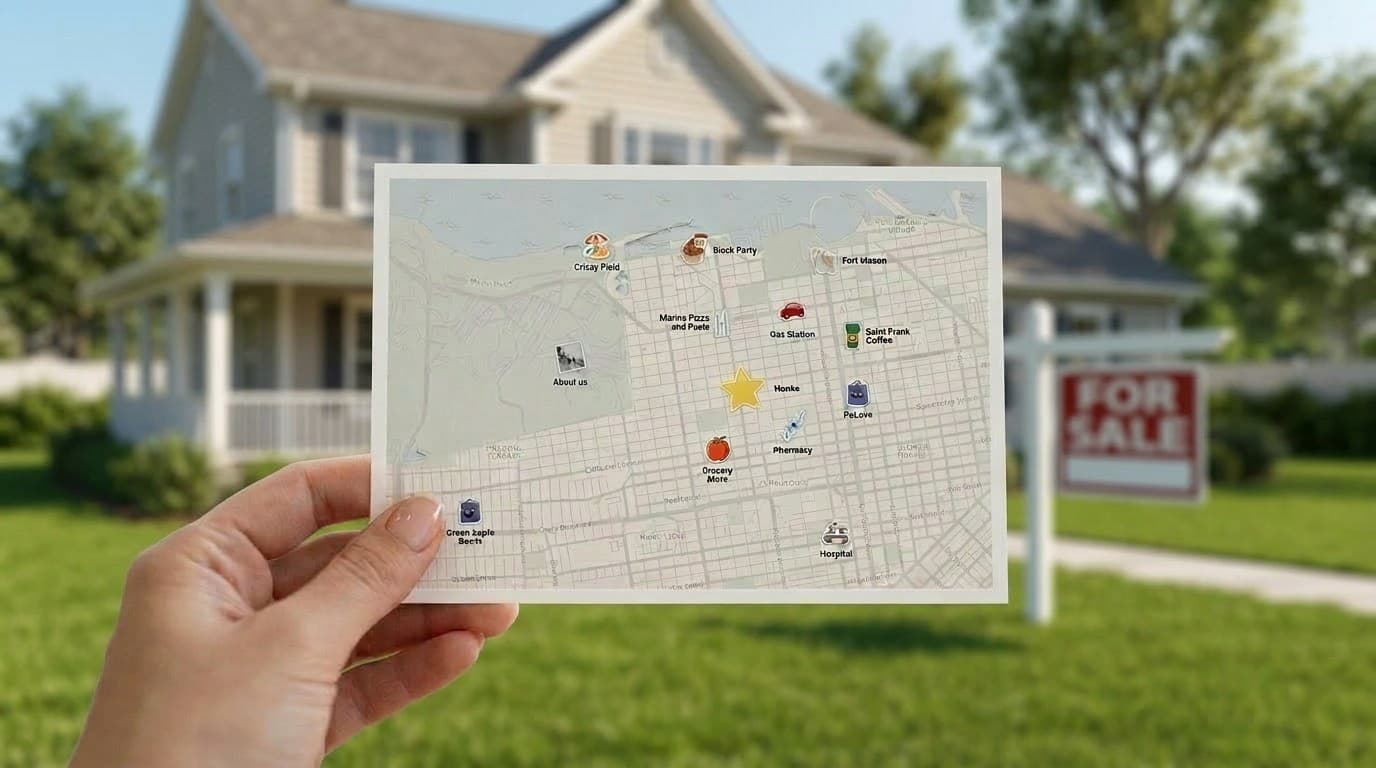
Build a printable neighborhood amenity map highlighting parks, transit, schools, and local services.
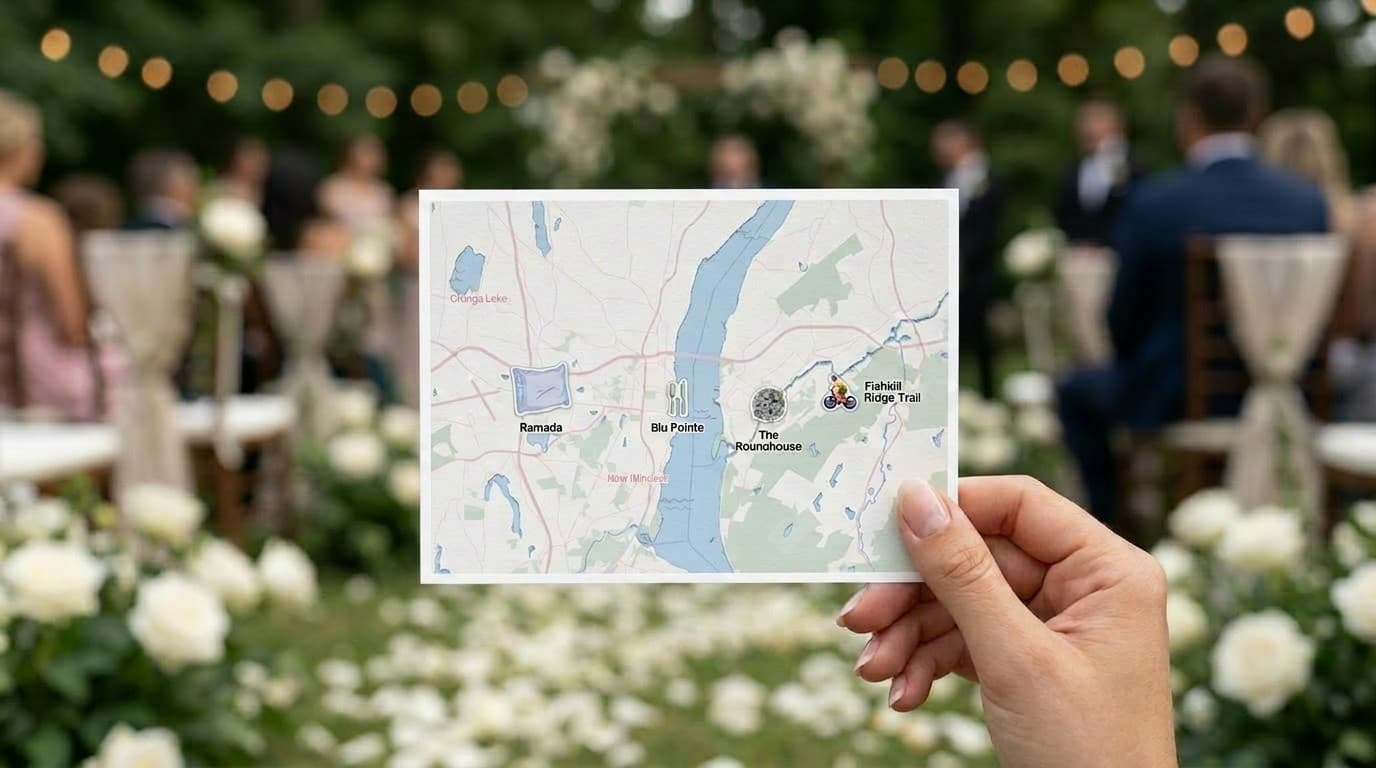
Design a beautiful printable wedding map with ceremony, reception, and guest accommodation locations.
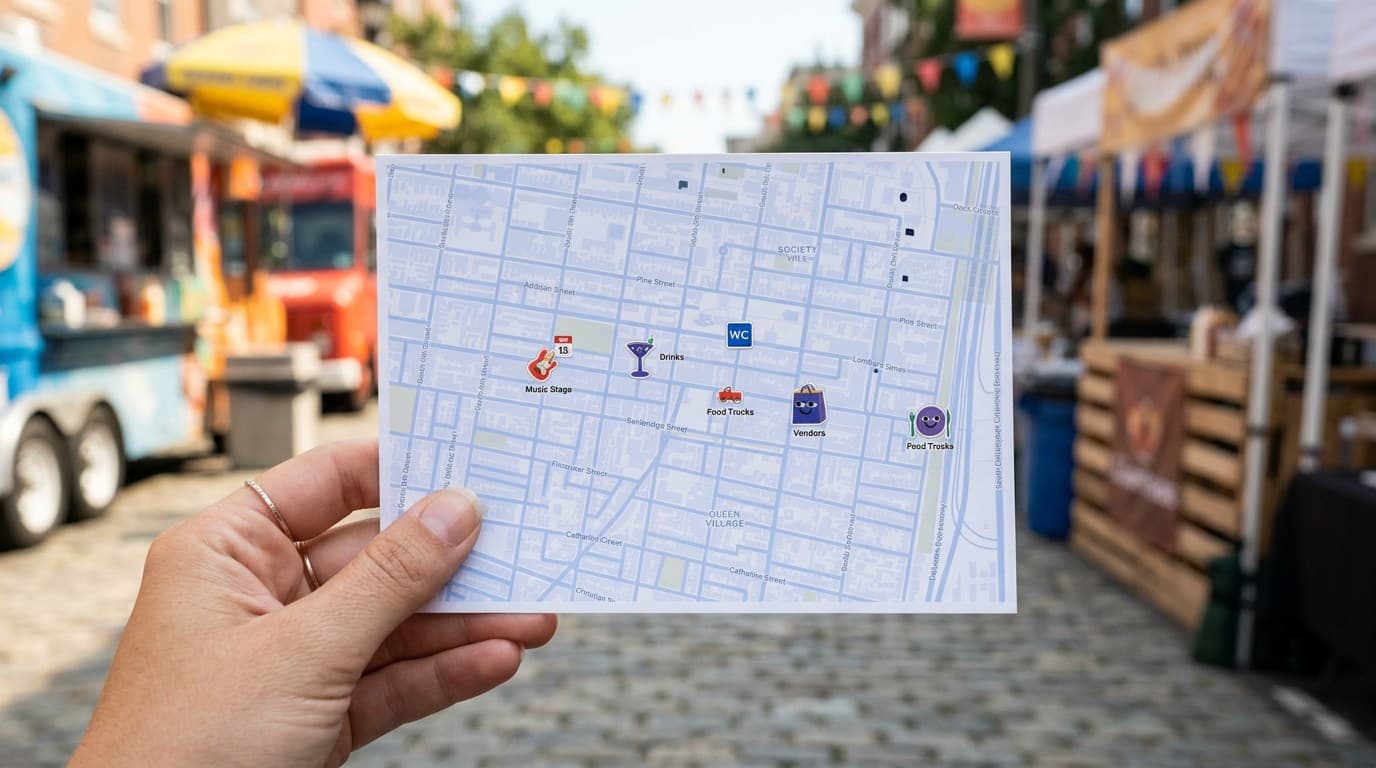
Create a printable festival city guide with venues, stages, food vendors, and event landmarks.
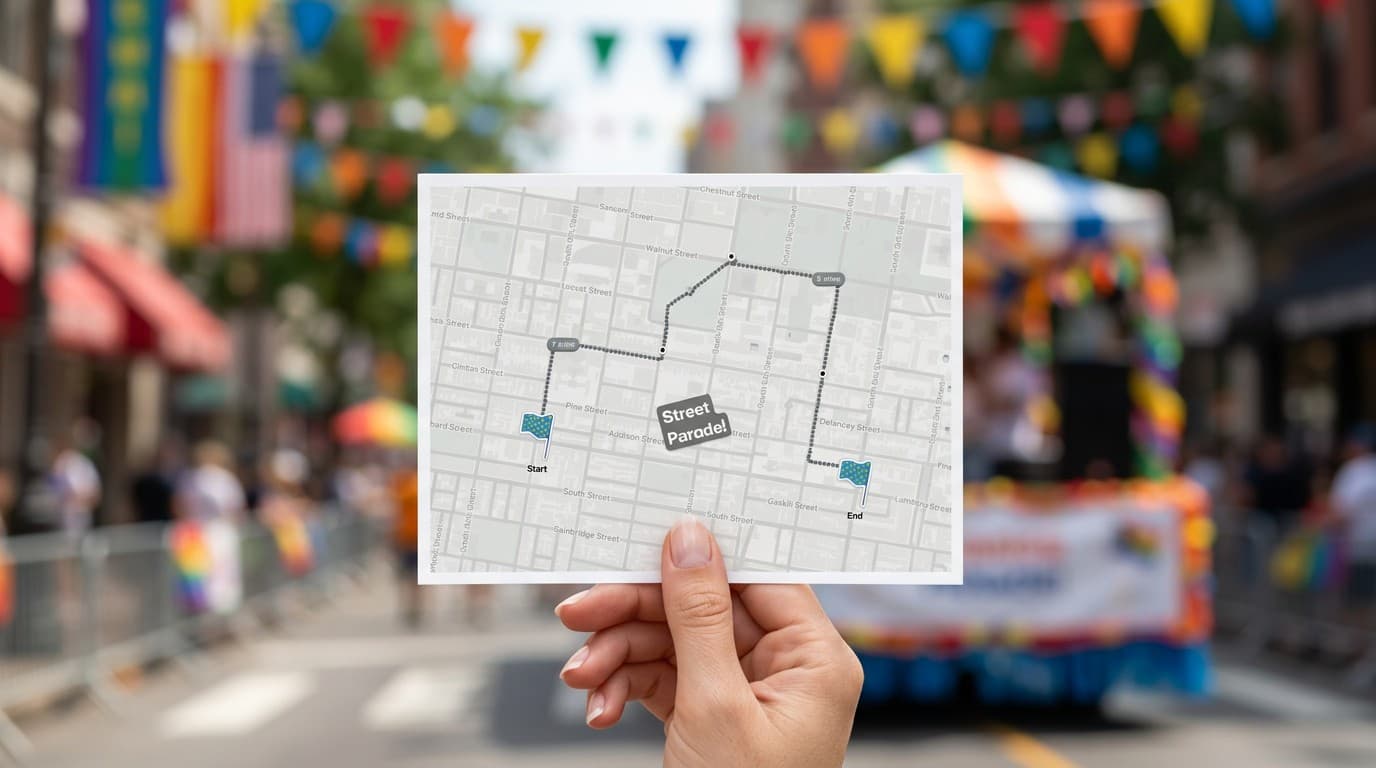
Make a printable parade route map with the procession path, viewing spots, and nearby landmarks.
With PamPam, you can make your own printable map by creating a custom map in the editor, adding your locations, choosing your colors, and exporting the map as a high-resolution PNG ready to print.
With PamPam, you can create a map for wall art by designing a custom map of your favorite places, choosing clean colors and icons, and exporting the map as a printable PNG for posters or framed prints.
With PamPam, you can export any map you create as a PNG, which is ideal for printing; SVG export is not available.
With PamPam, you can design a map that prints beautifully by customizing your colors, labels, and icons, creating a layout that looks clear and modern when exported as a PNG.
With PamPam, you can make your own custom map poster by creating a map of a city, trip, or meaningful location and exporting it as a high-resolution PNG for printing as wall art.
With PamPam, you can add locations to your printable map by typing in addresses, searching for places, importing a CSV, or linking a Google Sheet before exporting your map.
With PamPam, you can create printable maps for events, guides, or brochures by building a custom map, styling it with your brand colors, and downloading it as a PNG for handouts or signage.
With PamPam, you can make your own custom map easily because the map maker is visual and simple, allowing you to customize every detail before exporting it as a printable PNG.
With PamPam, you don't need design experience to create a printable map because the editor is intuitive and helps you style a clean, modern map in minutes.
With PamPam, you can create a map to print and also share it online by exporting the map as a PNG for printing and sharing the interactive version as a link or embed.


