November 2025
How to make a map for the first time
How to make a map with PamPam
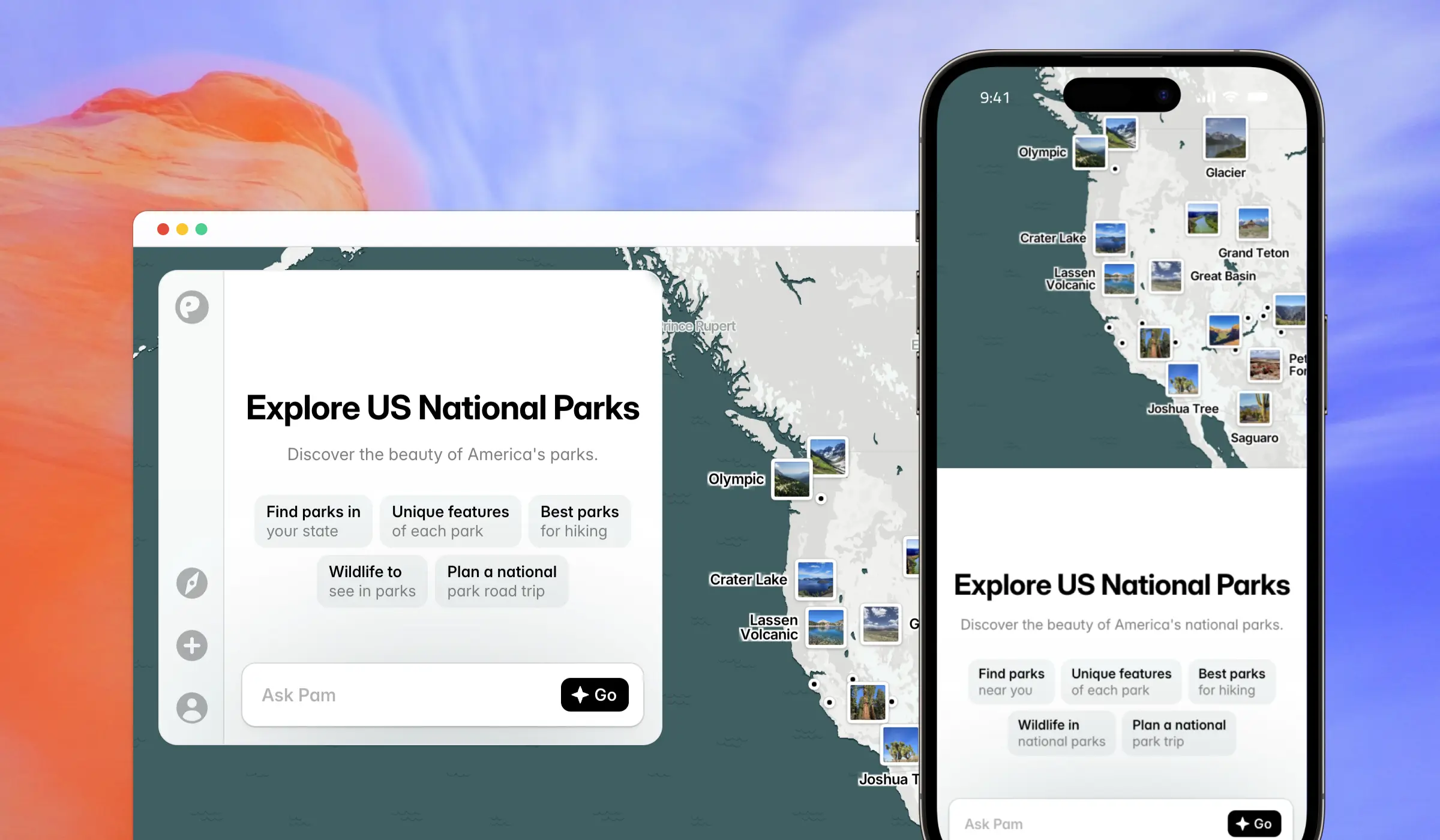
If you’ve never made a map before, the process can feel a little mysterious. Most tools assume you already know what you’re doing, or they bury basic steps under layers of settings. At PamPam, we see the opposite: more and more people making their very first interactive map — for their business, community, or upcoming trip — and realizing it doesn’t have to be complicated.
Here’s a simple way to get started.
Start with a clear idea
The easiest way to make a map is to begin with a purpose. Think of it like opening a blank document: the question is never “How do I use this?” but “What am I trying to share?”
We usually see a few common first-time ideas:
- A travel guide for an upcoming trip.
- A store locator for a small business.
- A simple business directory or resource map for your community.
When you name the idea upfront, everything else becomes easier. The map has a shape, and you know what belongs on it.
Gather your places
Once you know the kind of map you’re making, the next step is finding the places you want to include. Traditionally this is where people get stuck — tracking down addresses, copying and pasting coordinates, or hand-typing long spreadsheets.
We designed PamPam to make this part feel lighter.
- You can search for places directly in the map and add them instantly.
- You can ask AI to help you find spots you might have missed.
- And if you already have a list — maybe in Google Sheets, Airtable, or a CSV — you can import it in one step.
In practice, this means you can go from “I have an idea” to “my map has real, accurate places on it” in just a few minutes.
Customize the look and feel
Once your pins are in place, this is where your map starts to feel like yours. PamPam was built to be an interactive map maker for non-experts, so you don’t need GIS training or a design background to make something clean.
You can choose brand colors, change icons, and adjust how your map feels visually. It’s simple on purpose: no data visualizations, no heavy layers, nothing that gets in the way of the story you’re trying to tell. Just a clear canvas and the tools you need to make it feel familiar to your audience.
Share your interactive map
When your map is ready, you can share it however you like. Most people start by sending the link to a friend, publishing it in a newsletter, or embedding it on their website so visitors can explore it directly. If you need something more visual, you can export an image or a short video.
The idea here is simple: once you’ve made something useful, it should be easy to put it out into the world.
Making maps shouldn’t feel intimidating
Most people making a map for the first time aren’t geographers or data experts. They’re community organizers, small business owners, parents planning trips, or creators sharing the places they care about. We built PamPam because we wanted an interactive map tool that matched that reality — something simple, flexible, and welcoming to anyone.
Give it a try and let us know where you get stuck. We’re building PamPam to make map-making feel approachable, and we’d love to hear how your first map comes together.