July 2026
How to make a custom printable map
A simple guide to create beautiful printable maps with PamPam
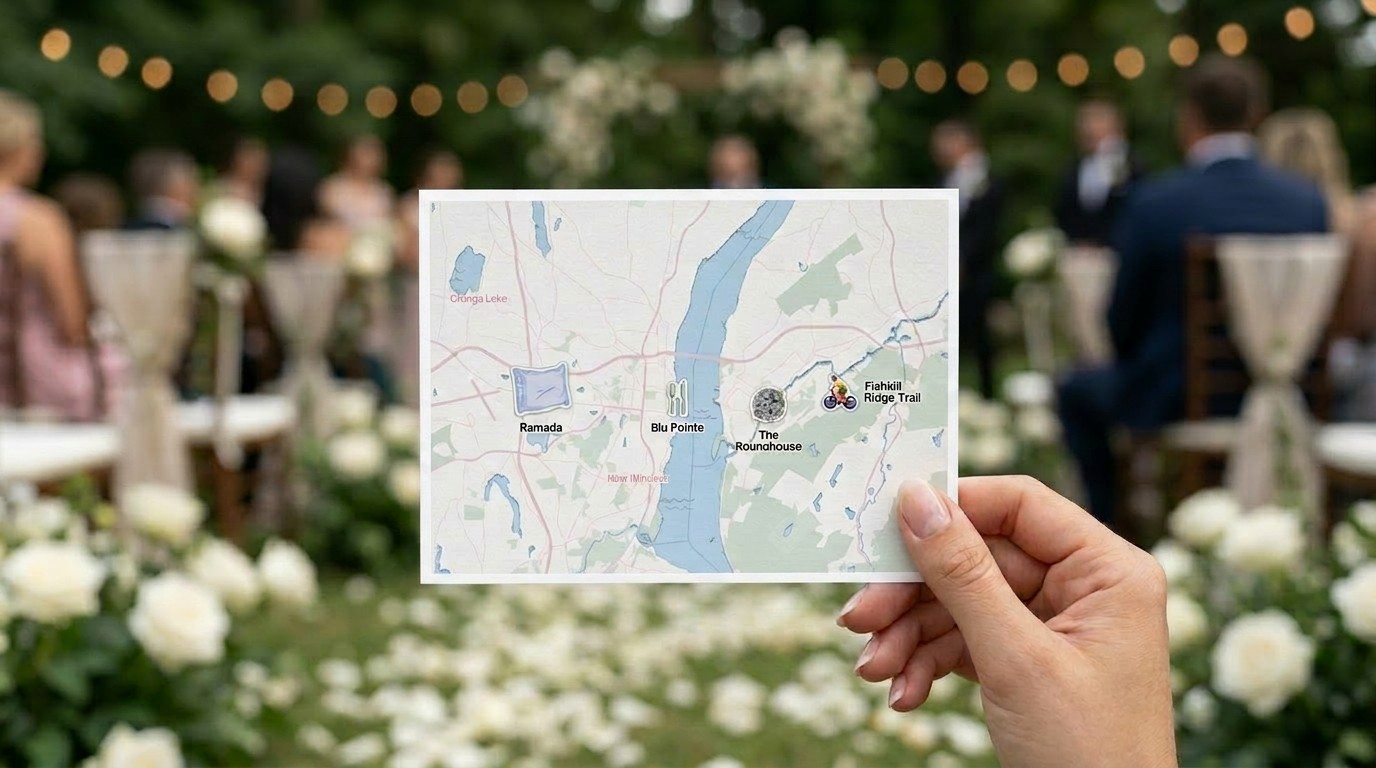
There's a moment in planning almost any event or project where a map stops being a nice-to-have and becomes something you actually need to hand someone. A wedding guest needs to know where the ceremony is versus the reception. A renter touring an apartment wants to see what's actually walkable nearby. A visitor to your neighborhood wants something to hold onto, not another link to tap.
Interactive maps are great for exploration. But sometimes what you need is simpler: a file you can print, fold, hand out, or pin to a wall. That's what we built printable maps for.
PamPam is an AI map maker for people who care about design and don't want to learn GIS software to get there. Most of what we build is interactive — maps people explore on their phone or a website. Printable maps take that same map and turn it into something physical: a postcard, a flyer, a poster.
Start with the use case, not the format
The easiest way to think about printable maps is to start with what you're handing someone, and let that decide the format.
A postcard works when the goal is small and personal — a wedding map tucked into an invitation, a welcome note for an Airbnb guest, a keepsake from a trip. A flyer is the workhorse size, good for neighborhood guides, welcome packets, or anything meant to sit on a table or get handed out at check-in. A poster is for when the map itself is the point — a business district guide mounted at an event, or a piece of wall art for an office or rental.
We built templates around the situations people actually run into most:
- A wedding map, so guests can find the ceremony, the reception, and anywhere else they need to be, without asking the wedding party for directions all day.
- A real estate amenity map, showing what's actually walkable near a listing — cafés, parks, transit — the kind of detail that makes a property feel like a place, not just an address.
- A travel guide or neighborhood guide, built for guests, renters, or visitors who want local recommendations without downloading another app.
- A festival or business district map, laying out venues, landmarks, and points of interest for an area people are exploring on foot.
None of these need to be interactive. They need to be clear, good-looking, and easy to print at the right size.
Design it like a map, export it like a document
The process starts the same way any PamPam map does: you search for a location, add the places that matter, and decide what to show. For a real estate map, that might mean turning on nearby parks and transit. For a wedding map, it's usually just a handful of specific pins — the venue, the hotel block, maybe a favorite local spot.
From there, the printable map flow walks you through style and paper size. You pick a color theme, decide how much map detail to show, and choose a size that matches how you'll actually use it — postcard, flyer, or poster, in either metric or US dimensions. The preview updates as you go, so you can see exactly how the map will be cropped before you commit to anything.
If you want to add a legend — a numbered list of places next to the map — you can turn that on too. It's a small detail that makes a big difference on anything with more than a few pins, like a business district map or a neighborhood guide with a dozen recommendations.
When it's ready, you export. A PDF is the right call for most printing — home printer, copy shop, or an online print service. It keeps everything sharp and sized to the exact paper dimensions you chose. If you want to bring the design into Illustrator or Figma, add branding, or hand it to a professional printer, an SVG export gives you that flexibility.
Why this matters beyond any one event
It's easy to think of printable maps as a one-off — something you make for a wedding and never touch again. But the same tool that makes a wedding map also makes a welcome packet for short-term rental guests, a walkability sheet for a real estate listing, or a printed companion to a festival's interactive map online.
The pattern is the same each time: someone needs a physical object that shows people where things are, without asking them to open an app or scan a QR code first. That's a real need, and it doesn't go away just because most maps now live on screens.
Printable maps are in beta, which means we're still shaping templates and export options based on what people actually build with them. If you're making something that needs to end up on paper — a postcard, a flyer, a poster — it's worth trying.
You can start building a printable map here:
Make a printable map
Or explore PamPam's interactive map maker for maps people can explore online:
Make an interactive map